
Muskets & Magic Player tools
Boost stacking and a class decision tree for the early-access Roblox build.
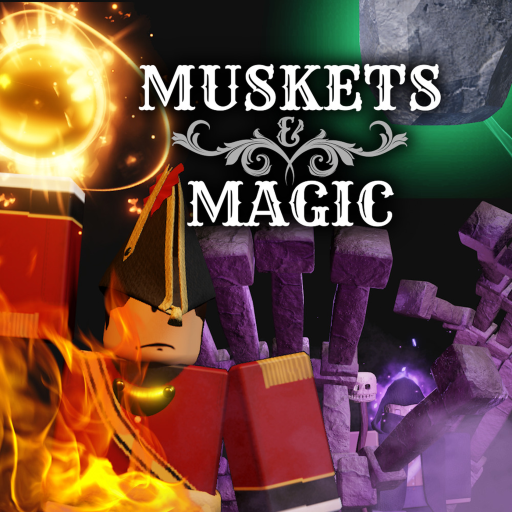
This Tools Hub is the practical desk for Muskets & Magic. Guides teach how a musket reloads. Rankings argue which mage is annoying. Tools answer two questions you hit before a session: how do I earn faster tonight, and which class should I lock?
Use them in that order. Boosts make every round count. A class pick that matches how you actually play stops you from wasting those boosted tickets on a role you hate.
EXP and Crowns boosts
Open the EXP boosts page before a long sit. Early access currently lists:
- 60% grand opening on EXP and Crowns
- +25% for joining the Nanoplex Studio group
- +40% weekend
- +30% Wednesday, counted in UTC
- +15% Roblox Premium
- Extra shop boosters
Those numbers are advertised multipliers, not a promise that every source fully stacks. The live HUD is the source of truth. If the UI shows a combined value lower than your napkin math, trust the UI. Crowns buy cosmetics and shop help. EXP ranks the eight classes per army. Both currencies move while boosts are on, which is why this tool sits at the top of the hub.
A Wednesday-UTC window plus group plus grand opening is already a better “code” than a fake promo string. Pair the boosts page with the empty Codes Hub so you do not spend the good hours hunting nonexistent redeem text.
Class picker
The class picker is a decision tree, not a meta cop. Short version:
- New to the genre → Line Infantry
- Like keeping people up → Healer or Flag Bearer
- Like shaping the map → Sapper
- Like spells → Mage if a slot is open
- Playing Sitari → Lineman, Knight, or Archer
- Playing Descendants of Death → Cultist or Brute
Ignia and Zemliya fight with flintlocks and supporting magic (fire versus earth). Sitari charges with blades, bows, and light. Descendants of Death mix guerrilla tools, cultists, brutes, and necromancy. The picker exists because a player who mains Guts-style melee will bounce off Line Infantry, and a player who wants a musket line will bounce off Sitari linemen.
After the tree, confirm the pick on the Players Hub roster and the class tier list. Tools tell you where to start. Rankings tell you what public 40-player servers are punishing this week. Early access means those rankings will move.
How to use this hub in a session
- Check boosts. If it is Wednesday UTC or a weekend, play now rather than “later.”
- Join the group if you have not. The +25% is the cheapest multiplier.
- Run the class picker once, then stick for at least two full rounds so you learn the gun or blade.
- Only then open rankings. Swapping every death teaches nothing.
- If mage is full, take Line Infantry or Healer instead of idling in the menu.
Servers cap at 40 players on PC, mobile, and console. A “perfect” class that never gets a slot is a worse tool than a Line Infantry musket you can actually spawn.
What these tools are not
They are not executors. They are not private-server command lists. They are not a promise that grand opening 60% lasts forever. When Nanoplex turns a booster off, the boosts page will say so. When a class is reworked, the picker still starts new players on Line Infantry because that role teaches reload, bayonet, and line discipline regardless of patch notes.
If you want maps, lore, or controls, leave this hub. Tools stay narrow on purpose: economy multipliers and a spawn decision. Everything else is a guide or a ranking.
Use the boosts tool before a long session, then the class picker before you lock a loadout. Rankings can wait until you have a few tickets under your belt.
Frequently Asked Questions
Quick answers for Muskets & Magic players.
Which tool should I open first?
The EXP boosts page, so you do not play a long session on a dead multiplier window.
Does the class picker replace the tier list?
No. The picker matches playstyle. The class tier list ranks how public servers currently feel.
Do boosts fully stack?
Maybe not. Add them on paper, then trust the in-game HUD. Shop boosters may have their own rules.
Where do I read every class?
The Players Hub is the roster. Use the picker only to choose a first lock.
Are these official Nanoplex tools?
No. This is a fan wiki. Boost percentages come from live early-access copy; always confirm in your client.